
How to Switch IPTV Providers Without Paying Twice
Changing an IPTV subscription is not just a matter of entering a new password. Your old account may renew, the new service may need a different app, and a player license may be separate from either subscription. The practical goal is a controlled handover: test the replacement, understand the old account's end date and keep enough records to avoid confusion.
Commercial disclosure: this website promotes related services. The links below are commercial options, not independent test winners. This guide does not establish a provider's licensing or guarantee uninterrupted viewing.
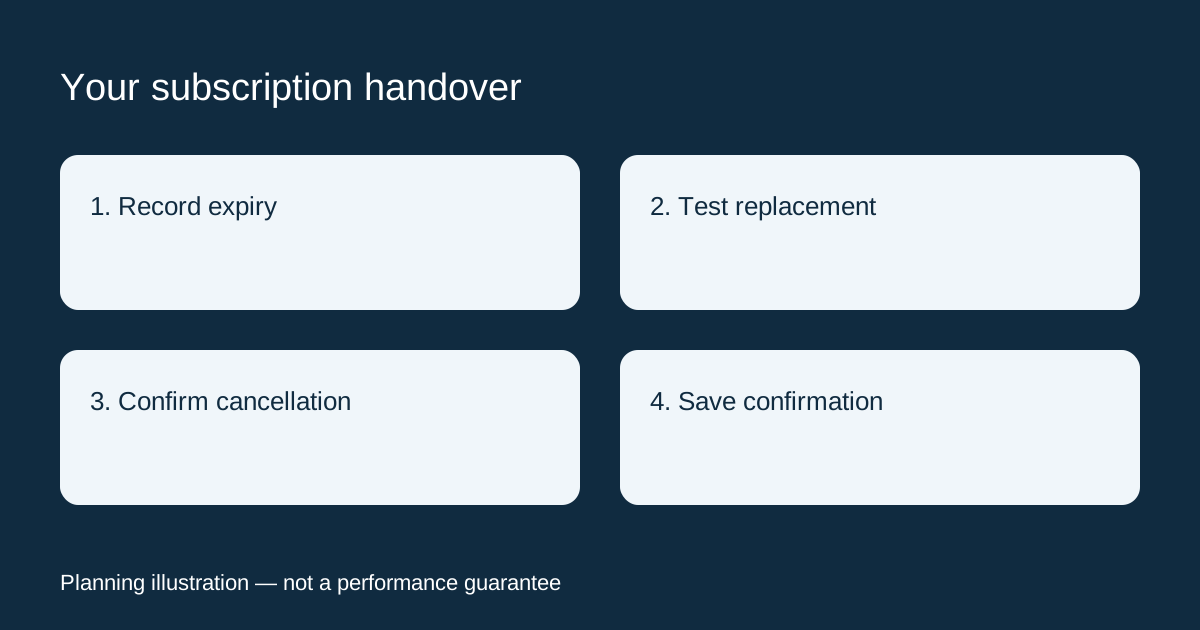
Quick answer: should you cancel before testing?
Check the cancellation deadline first. If your terms allow it, evaluate a replacement before the old access ends, then confirm how cancellation affects the remaining paid period. Do not assume cancelling renewal ends access immediately, or that deleting an app stops billing. Those are separate actions and depend on the agreement.
1. Make a one-page record of the current subscription
Find your order confirmation and account page. Record the service name, selected package, payment date, renewal setting, access expiry and cancellation route. If a reseller sold the account, identify who actually handles billing. A player app's developer may not be the company receiving your subscription payment.
- What date and time does the paid service end?
- Is another payment scheduled, or is renewal manual?
- Is there a notice period or other cancellation condition?
- Does turning off renewal preserve access until expiry?
- Where will written confirmation arrive?
Keep passwords out of this worksheet. An order reference is normally more useful than sharing a full login. If any billing answer is missing, ask the seller before the deadline rather than relying on an old review.
2. Define what the replacement must improve
Write down the specific reason you are moving. “Better service” is difficult to evaluate; “works on my television model with readable subtitles and the required permitted streams” can be checked. Separate a must-have from a preference. If your old problem happens only in one room, investigate that device or connection before assuming another subscription will solve it.
Our questions to ask an IPTV provider can help you collect written answers. For this handover, focus on differences: supported login method, installed app, stream allowance and the exact package you would buy. Confirm content availability and rights for your location with the seller; a large catalogue alone is not proof.
3. Test the new account separately
Ask whether a trial is available and what it includes. A trial does not automatically have the same connection allowance, duration or catalogue as the paid package. Keep the old account configuration intact while checking the new one, where the app and both services' rules permit this. Label accounts clearly to avoid testing the old service by mistake.
Use the device and normal viewing period you intend to use after the switch. Check navigation, programme guide, subtitles, login recovery and the permitted number of simultaneous playbacks. Record the time and any error message. A short test is evidence about that session, not a promise about future reliability.
4. Compare the real handover cost
Add the replacement subscription, any required player license and any unavoidable overlap with the old plan. Do not subtract a refund until it has been confirmed. A new provider cannot normally cancel an unrelated seller's billing for you, and a long remaining subscription is not automatically transferable.
Hypothetical example: your current access ends on the 30th, but the replacement starts on the 28th. That creates two days of overlap. Decide whether those days are useful for testing and whether either service renews again. This example describes scheduling, not a recommended price or guaranteed cancellation outcome.
5. Cancel through the correct billing route
Use the seller's documented cancellation process and save the confirmation. The FTC's subscription guidance recommends understanding trial and renewal terms, retaining cancellation records and checking later statements. Removing an application is not a substitute for completing the billing process.
If you cannot find the controls, send a clear request with the order reference through the official support channel. Ask for the effective cancellation date and whether further payment is due. Do not send card details or account passwords in public comments. Resolve an unexpected charge with the seller and, when appropriate, your payment provider.
A message you can send before switching
I am considering moving my subscription. My device is [model] and I need [number] permitted simultaneous streams at [one household/location]. Please confirm the supported app, trial conditions, full price, renewal method and cancellation procedure for the exact package. Does cancellation stop access immediately or at the paid expiry date?
Where to compare a replacement
Visit TereaTV for current plans and setup information, then verify the answers against your worksheet. It is a commercial option we promote, not a guarantee that it will fix your particular issue. You can also use our IPTV trial guide to structure a comparison before committing.
Frequently asked questions
Can I keep using the same player?
Only if it supports the new service's authorized login method and your license permits that use. Ask before buying; do not assume credentials are interchangeable.
Will my favourites and guide settings transfer?
Not necessarily. Export and import options depend on the app and service. Record non-sensitive preferences if you need to recreate them, but do not distribute playlists or credentials.
Is switching better than troubleshooting?
Not always. A reproducible device or home-network issue may continue with another provider. Resolve what you can identify, test the replacement and make the decision from the results.